Asset Service Scheduler
The Asset Service Scheduler is mainly used to schedule outages. It displays the details of the valves at specific plant that will be serviced during a given time range. You can create, track, and execute downtime of the valves, all under one roof.
The home page lets you view and track the schedule for asset service.
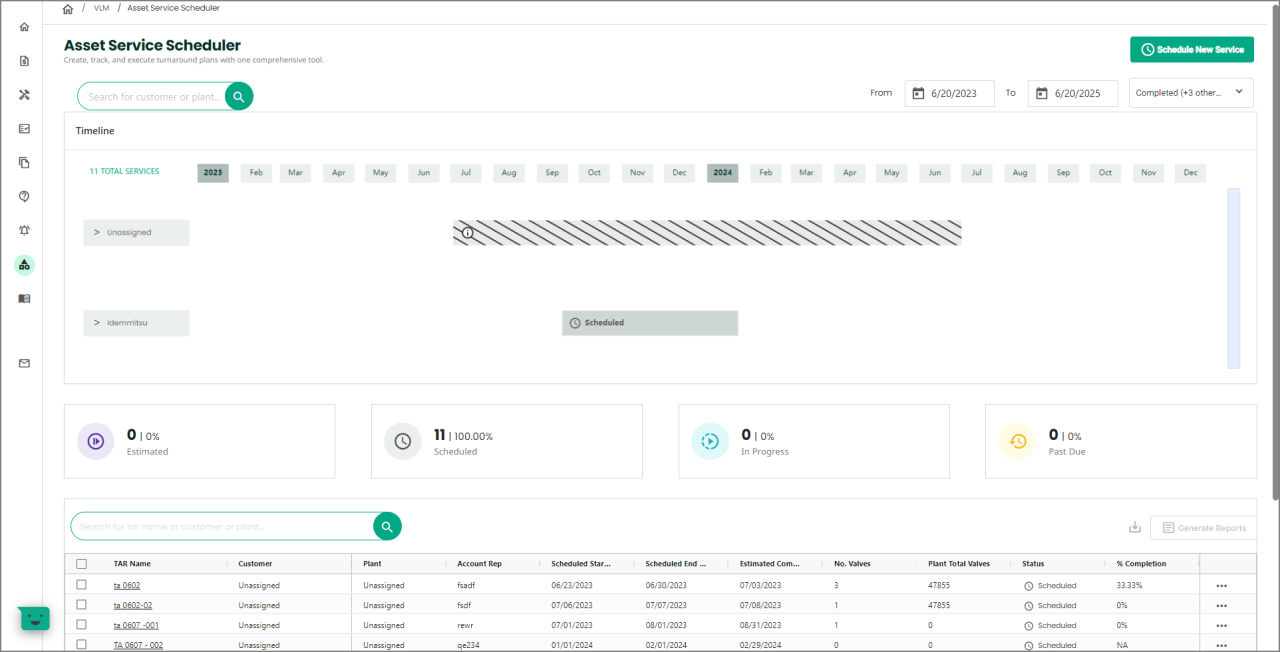
The Timeline section is a graphical representation of all valves based on their customer name.
The Timeline graph displays the status based on the selection in the Status drop-down. You can also view the graph by selecting a specific date range.
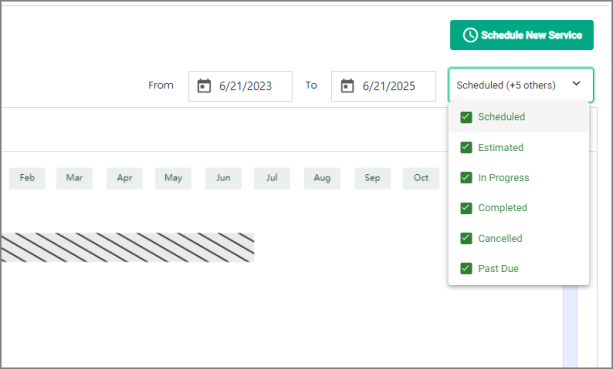
Each card displays the status, number of valves, and the corresponding percentage of that status.

The table contains list of valves scheduled for service.
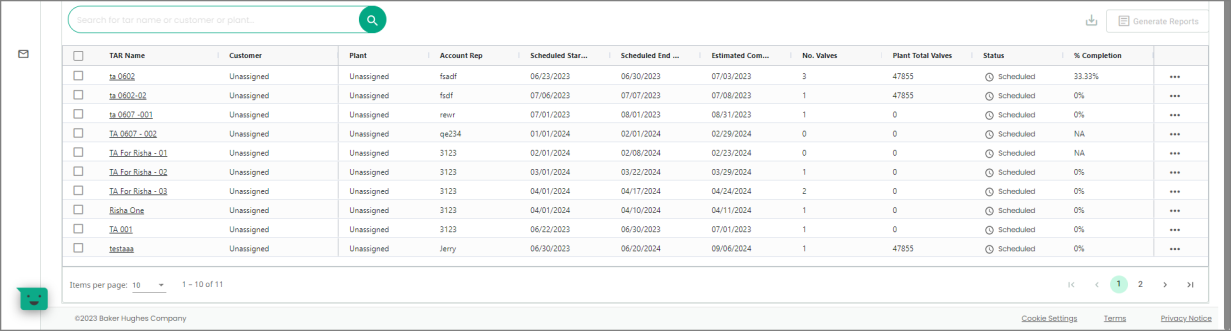
The number of entries in the table will be equal to the summation of numbers provided in the status cards.
Schedule New Service
-
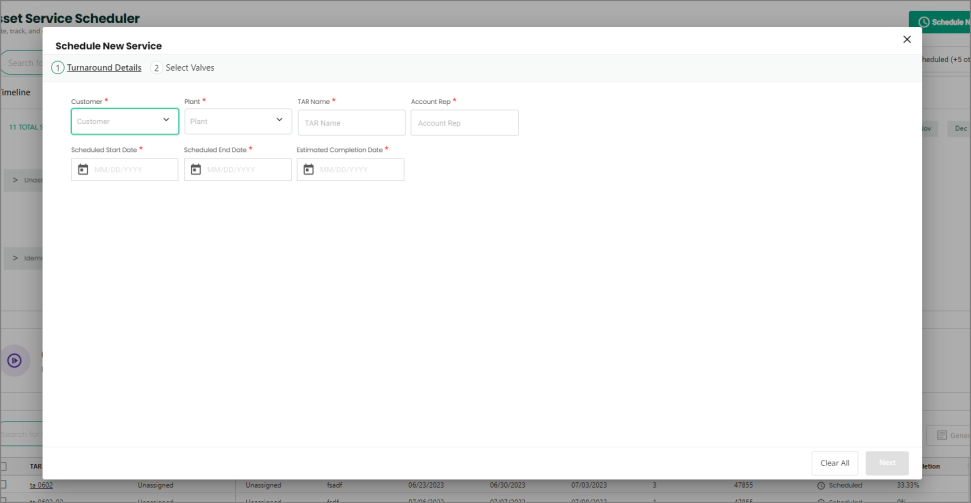
If you want to schedule a new service, click the Schedule New Service button. The Schedule New Service page appears.
-
Enter all details in the Turnaround Details tab. Then, click Next.
-
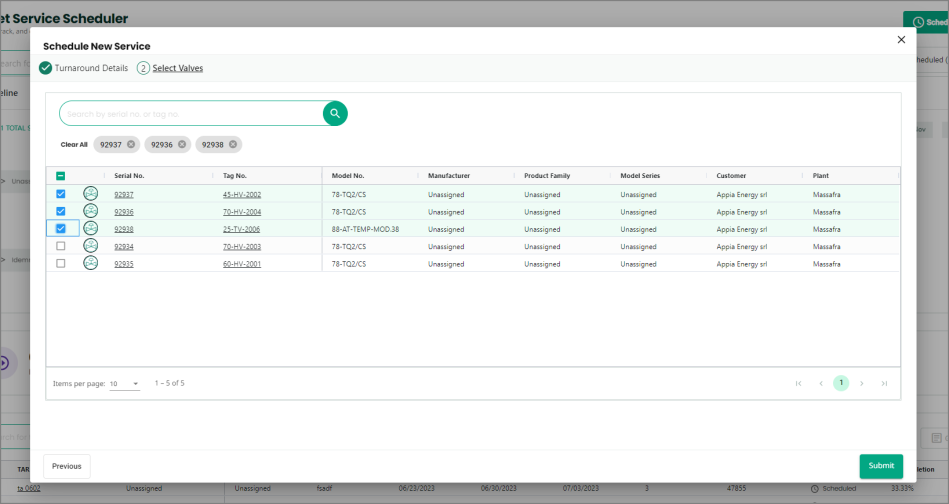
You will navigate to the Select Valves tab. Select one or more valves for which you want to schedule a service.
-
Once done, click Submit.
The scheduled valves will begin to display in the table on the homepage.